
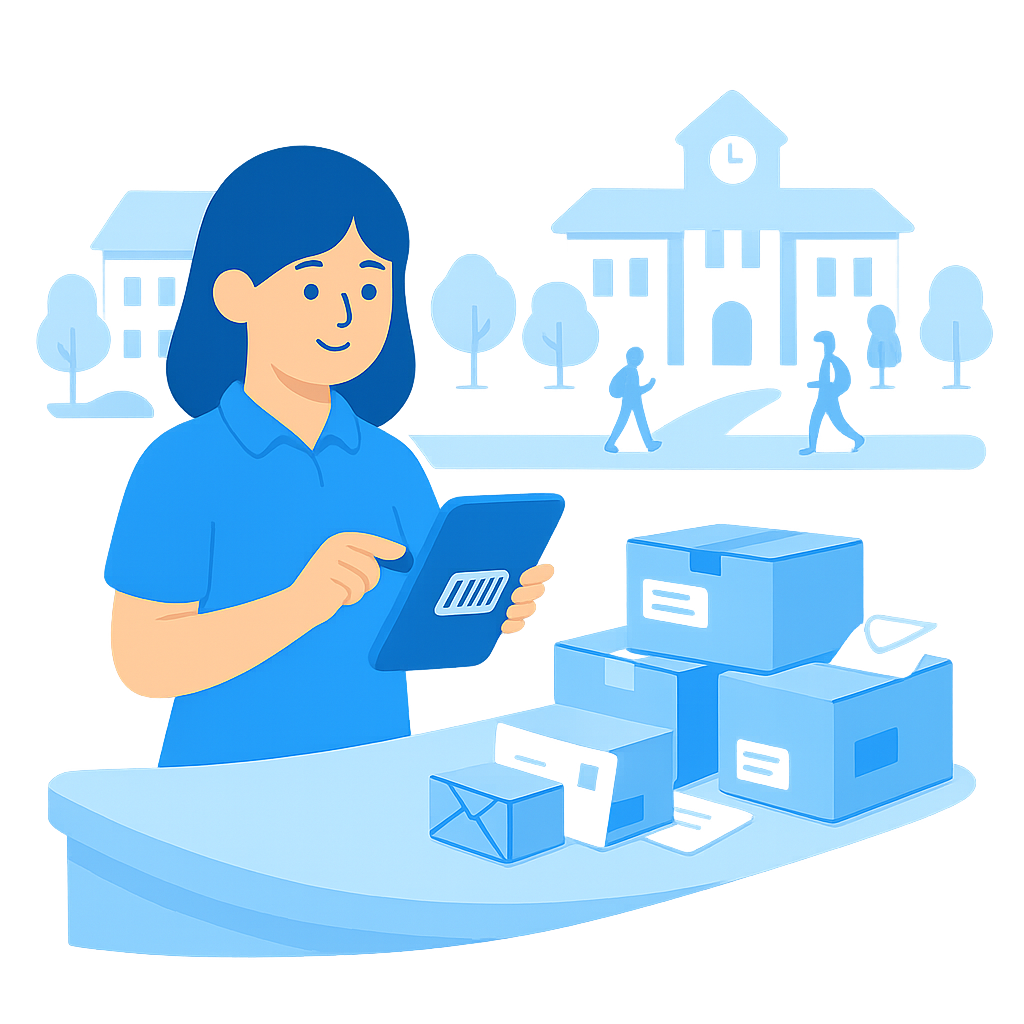
The Campus Mailroom Problem in Modern Universities
Universities aren’t single buildings. They’re networks of faculties, labs, student services and admin offices spread across a campus or multiple sites.
Your mailroom teams handle:
- Courier deliveries for labs and research projects
- Exam papers and sensitive documents
- IT and AV equipment for teaching spaces
- Internal mail moving between departments and buildings
If you’re still relying on paper logs, internal email chains or basic spreadsheets, cracks appear fast:
- Parcels and internal mail sit in cages or trolleys with no clear owner
- Drivers and porters waste time hunting for people and buildings
- Sensitive items have no reliable chain of custody
- There’s no quick way to prove who signed for what – or where it went
As campuses grow and delivery volumes increase, traditional processes don’t keep up. You need university mailroom software that gives you control and visibility across every building.
How Traizr Solves University Mailroom Management
Traizr is internal mail tracking software designed for complex, multi-building environments like universities and colleges. It replaces manual logs and ad hoc workflows with a single digital mailroom system.
Centralise Incoming Mail for Every Campus Building
When items arrive at the central mailroom, your team scans them into Traizr using a smartphone, tablet or scanner. Each item is logged with:
- Recipient name or department
- Building or room destination
- Time and date stamp
- Optional notes, reference numbers or photos
No more illegible scribbles or piles of unlabelled boxes. Everything enters the internal parcel tracking system with a clear destination from day one.
Automatic Notifications to Staff and Departments
As soon as an item is scanned in or marked as delivered to a building, Traizr can send automatic notifications to the recipient or departmental contact:
- Let staff know where their parcel or mail is and how to collect it
- Reduce calls and emails asking “has my delivery arrived yet?”
- Move items quickly out of the central mailroom and local delivery points
You can configure reminders for items that haven’t been collected after a set time.
Digital Proof of Collection for Sensitive Items
Universities handle high-value and sensitive deliveries: lab equipment, exam papers, research materials, HR and finance documents.
With Traizr, every handover can capture:
- Signature on screen
- QR code verification
- Optional photo at collection
The result is a complete audit trail from courier drop-off to final collection – essential when something goes missing or you need to prove who had custody of an item.
Visibility Across Campus Buildings and Sites
Most universities operate multiple buildings, sometimes multiple campuses. Traizr gives you real-time visibility of internal mail and parcels across all locations:
- See what’s currently in the central mailroom
- Track items en route to faculties and departments
- Identify where delays or bottlenecks are happening
- Compare volumes between buildings or campuses
Facilities and estates teams finally get data on internal logistics, not just guesswork.
Secure, Audit-Ready Mailroom Records
Paper logs and ad hoc spreadsheets are hard to secure and easy to lose. Traizr stores your mailroom data in one system:
- Role-based access for mailroom, porters and facilities teams
- Searchable history of deliveries and collections
- Exportable logs for audits, investigations or process reviews
You control who can see and update records while having a complete digital history when you need it.
Give Time Back to Mailroom, Porters and Estates Teams
Internal logistics staff should be moving items efficiently, not wrestling with paperwork.
With university mailroom software in place, you can:
- Cut manual time spent logging incoming deliveries
- Reduce time wasted chasing recipients and departments
- Standardise processes between different campuses and buildings
- Keep cages, trolleys and mailrooms turning over quickly
Traizr supports the people moving your mail and parcels so they can focus on service, not admin.
How Traizr Works on Campus – Step by Step
Step 1 – Receive and Scan Deliveries
Items arrive at the central mailroom from couriers or internal transfers. Staff scan barcodes or labels and assign each item to a person, department or building within Traizr. Every item gets a time and date stamp and destination.
Step 2 – Sort and Route to Buildings
Traizr shows which items are due for which buildings. Teams can use this view to plan internal runs, load trolleys or vehicles and update status as items leave the mailroom.
Step 3 – Notify Recipients
When items reach a building, you can either:
- Mark them delivered to a departmental drop-off point, or
- Capture a collection from a named recipient
In either case, Traizr can notify recipients that their item has arrived and where to collect it.
Step 4 – Collect with Digital Proof
When the final recipient collects, your team scans the item out and can capture a signature, QR code or photo as proof. The item is marked as collected and the tracking chain is complete.
From central mailroom to faculty office, every step is recorded in one system.
Who Benefits Across the University?
Central Mailroom Teams
- Clear, digital record of every delivery received
- Less time spent answering “has my parcel arrived?” questions
- Simple handover process to porters and internal delivery teams
Faculties and Departments
- Better visibility of where important items are in the delivery chain
- Fewer missing parcels and delayed teaching or research because something “never arrived”
- Clear instructions on where to collect from and who to contact
Estates and Facilities Management
- Data on volumes, routes and bottlenecks across campus
- Standardised internal mail process between sites and buildings
- Easier planning of resources and internal runs
Security and Compliance Teams
- Audit-ready records for sensitive deliveries
- Traceability when investigating missing or disputed items
- Reduced reliance on unsecured paper logs and ad hoc spreadsheets
Why Universities Choose Traizr for Mailroom Management
Designed for Complex Campus Environments
Traizr is built for environments with multiple buildings, routes and stakeholders. It adapts to your existing campus layout, naming conventions and internal delivery patterns.
Easy to Roll Out Across Sites
You can start with a single campus or building and scale gradually:
- Configure locations, routes and user roles
- Train mailroom and porter teams with a simple, repeatable workflow
- Add more buildings and campuses as the process beds in
Fits Alongside Your Existing University Systems
Traizr can sit alongside your existing facility, asset and student systems. You can begin with a standalone university mailroom software rollout and explore integrations later via API if needed.
FAQs – University Mailroom Software
Q: We already use spreadsheets and email. Why do we need a dedicated system?
A: Spreadsheets and email work until volumes increase and something goes wrong. Traizr gives you real-time tracking, audit trails and consistent workflows across all buildings, which is hard to maintain with manual tools.
Q: Does Traizr only handle parcels, or can it track internal mail as well?
A: Traizr can track both. You can log parcels, envelopes, internal mail bags and even crates, using your own naming and routing rules.
Q: Can Traizr support multiple campuses or remote sites?
A: Yes. You can set up multiple campuses, buildings and routes in one system, and see where items are across all of them.
Q: Do we need new hardware in the mailroom to use Traizr?
A: In most cases, no. Traizr works on smartphones, tablets and desktop browsers. Handheld barcode scanners are optional if you want to speed up scanning.
Q: How long are records kept, and can we export them?
A: Retention can be configured in line with your policies. You can search history and export data for audits, investigations or reporting.
Ready to Modernise Your University Mailroom?
If your campus mailroom is held together by paper logs and memory, it’s time for a digital upgrade.
Request a free demo to see how Traizr can track parcels and internal mail across your university campus.