
Digital mailroom
Digital Mailroom: What It Is and How to Run One
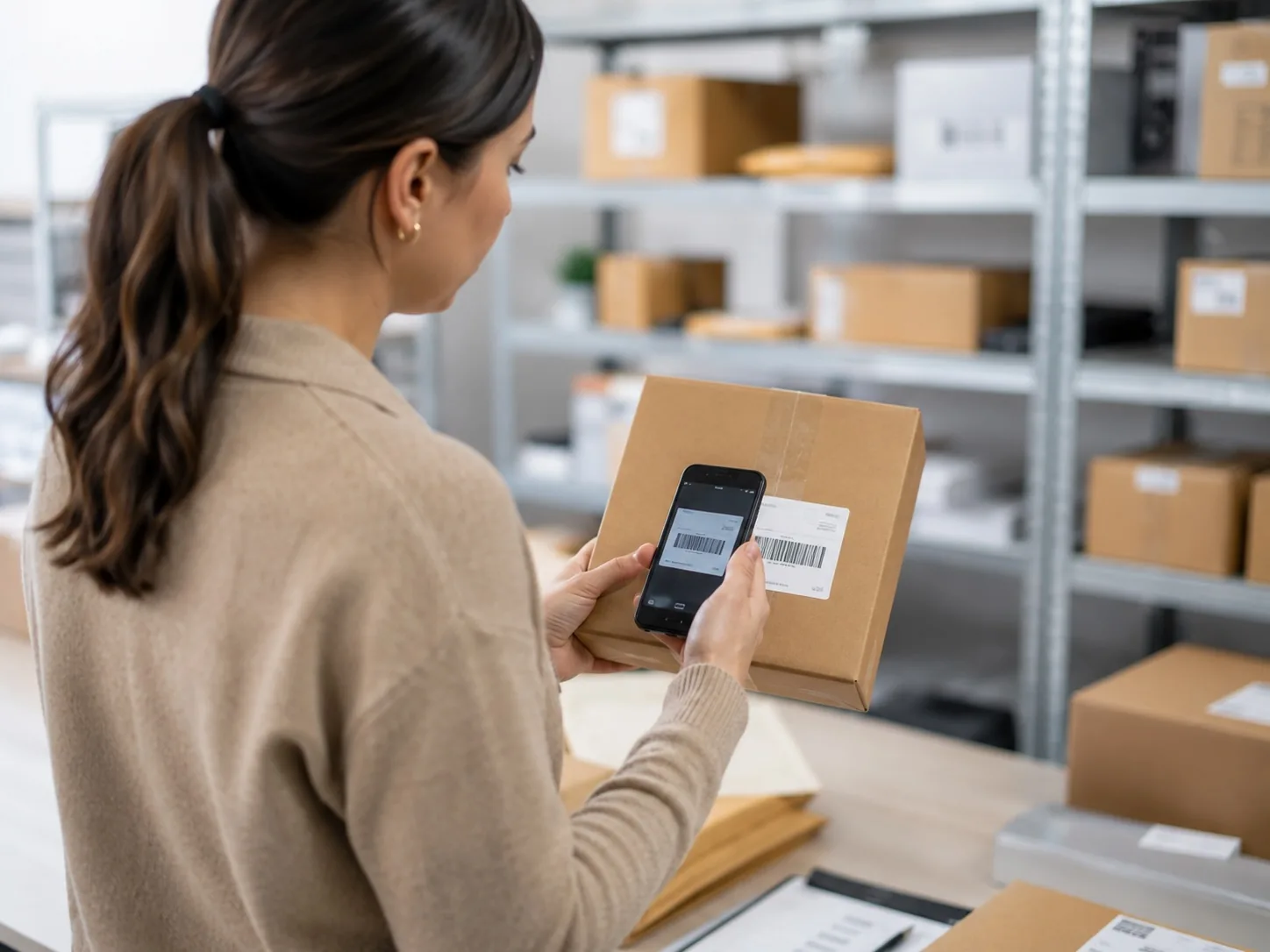
A digital mailroom records every delivery into your building. Items are logged on a phone as they arrive, recipients are notified automatically, and collection is recorded.
- Logged on arrival
- Recipients notified automatically
- Collection recorded
What a digital mailroom actually is
A digital mailroom is a mailroom where every delivery is recorded. Each item is logged as it arrives, matched to a recipient and tracked until it is collected. The post itself stays physical; the record of it becomes digital.
That record answers the questions a paper logbook cannot: where an item is, who it belongs to, when it arrived and whether it has been collected. Nothing is opened and nothing is converted to a file.
One point of confusion worth clearing up. Some vendors use "digital mailroom" to mean scanning letters into files with OCR. That is a different service. On this page, a digital mailroom means tracking physical deliveries through a building, where nothing is opened. If you need the contents of mail captured, see mail scanning software.
Why paper logbooks fall apart
A logbook records that something arrived, but it does not notify the recipient, prove collection or allow searching. On busy days entries get missed, parcels stack up, and answering a query means searching back through handwritten pages.
Software closes those gaps by making notification and proof of collection part of the same logging step, so the record maintains itself as the work is done.
The anatomy of a digital mailroom
Five points, on every item. Get the first one fast and the rest follow; get it slow and none of them happen.
- It arrivesA courier delivers to reception, the loading bay or the postroom.
- Logged on a phoneThe item is logged in seconds as it is unloaded. No dedicated hardware is needed.
- Matched to a recipientIt is linked to a person, a desk or a department.
- The recipient is notifiedA notification is sent automatically, so people collect without being chased.
- Collected, with proofA signature or photograph at handover completes the record.
Intake
Items are logged on a phone as they arrive. Logging takes seconds per item, which matters because a slow process gets skipped on busy mornings.
Matching and notifying
Each item is matched to a recipient, who is notified automatically. Recipients come to collect their own parcels instead of being chased, which keeps the shelves clear.
Collection and proof
At handover, a signature or photograph is captured. The item's record then shows its full history, from arrival to collection.
Rolling it out without disruption
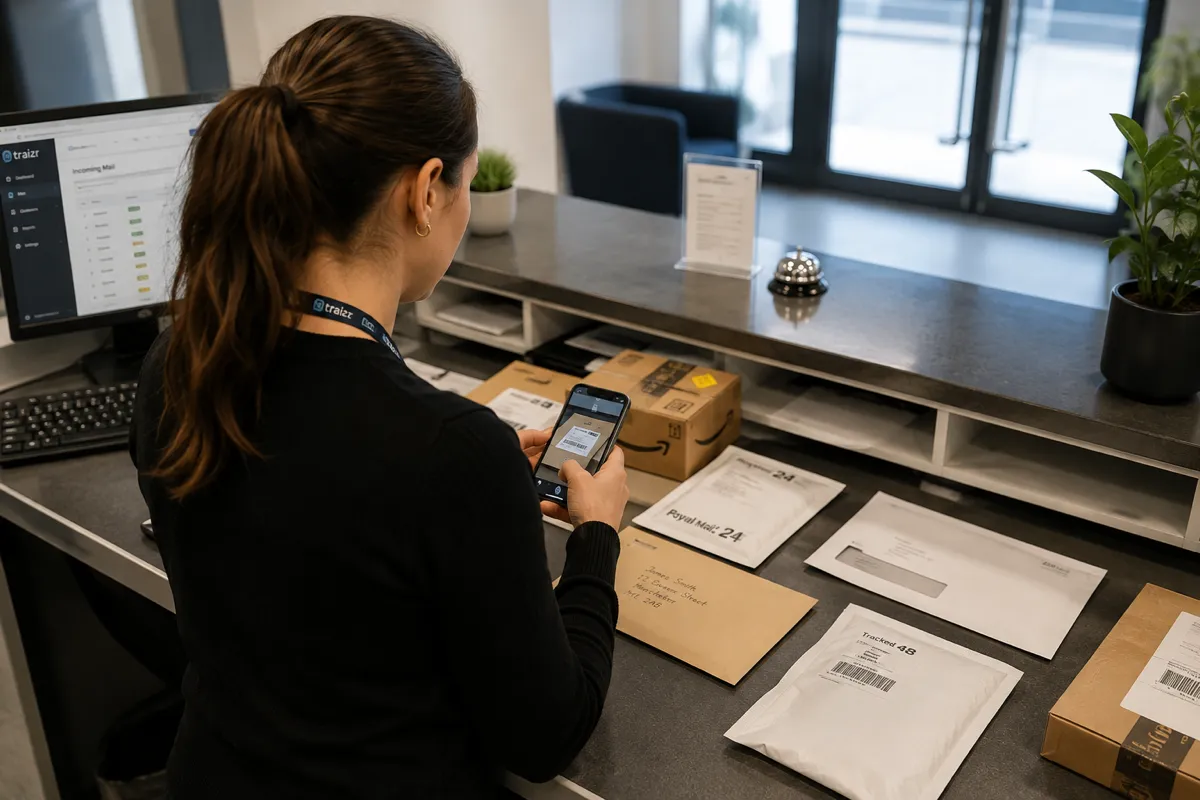
Start with incoming parcels, because they cause the most friction, and let the team get comfortable with logging before anything else is added. Because the flow mirrors what people already do, most teams are settled within a day.
The part that takes preparation is the recipient list. Matching only works if the names in the system match the names on the parcels, so check the staff or resident directory is current before starting. Where the directory is maintained in another system, an integration keeps the list in sync automatically.
What the first week covers depends on the building. A government mailroom normally starts with recorded and tracked items, because those carry a chain of custody requirement from the first day. A law firm starts with the post that has a deadline attached, so service of documents is recorded before general deliveries are added. Universities and student accommodation are the opposite case, because volume is concentrated into a few weeks of the year and the rollout is sized for the September peak rather than the average week.
Recorded post, internal transfers, outbound items and virtual office clients can all be added later, once the basic process is settled. The mailroom management process covers the sequence in more detail.
What changes once every item has a record
-
"Where is my parcel?" answered in seconds
Any item can be looked up from any device, with its current status.
-
Uncollected items chased
Automatic reminders go to anyone who has not collected, so items keep moving.
-
Proof of collection
A signature or photograph is captured at handover and stored on the item.
-
Volume reporting
See how much arrives, when it peaks and where it goes, so staffing matches reality.
-
Several buildings, one dashboard
All sites report together, or separately when you need the detail.
-
No dedicated hardware
Staff work from a phone or tablet. There is nothing to buy, mount or maintain.
Measuring whether it is working
Two numbers carry most of the story, and both should move in the first month.
How long items wait before collection. Waiting time covers the whole process, so it is the best single measure. If it is not falling, the usual cause is notifications not reaching people.
How many queries staff receive about missing post. Each query interrupts someone's work, so this number translates directly into saved time.
Volume by day and hour is also worth watching, because it shows whether staffing matches when post actually arrives. Our parcel data report shows what that data looks like across 224,604 measured parcels, and reporting and analytics covers what is available per site.
Where a digital mailroom stops
Three neighbouring jobs that look like this one and are not.
Items that change hands more than once. A parcel logged at a loading bay and then carried to a ward, a floor or another building passes through several handovers, each of which needs recording. Internal package tracking software covers that.
Post for people who are not in the building. Where the recipient cannot collect, they are shown what arrived and choose what should happen to it. That is virtual office software, and business centres commonly run both from the same delivery round.
Opening and scanning the contents. A digital mailroom does not open anything. Capturing what is inside an envelope is mail scanning, and it happens only at the request of the person the post belongs to.
Frequently asked questions
Everything you need to know before getting in touch.
What is a digital mailroom?
A digital mailroom is a mailroom where every delivery is recorded. Each item is logged on arrival, matched to a recipient, and tracked until it is collected, with a signature or photograph at handover. The post itself stays physical; the record of it becomes digital.
Is a digital mailroom the same as mail scanning?
No. Some vendors use "digital mailroom" to mean scanning letters into files, but this page uses it to mean tracking physical deliveries through a building, where nothing is opened. If you need mail opened and scanned on request, see mail scanning software.
Do we need to go paperless to have a digital mailroom?
No. A digital mailroom digitises the record, not the post. The envelopes and parcels stay physical. What becomes digital is the answer to where an item is, who it belongs to and when it arrived.
How long does it take to set up?
Days rather than months. There is no hardware to install, and the workflow mirrors what the team already does. The longest part is usually preparing an accurate recipient list.
What hardware do we need?
A phone or tablet. Items are logged with the camera, so there is no scanner gun or terminal to buy. Some sites add a label printer, but it is not required.
Will the mailroom team actually use it?
Yes, because logging is fast. Items are logged in seconds on a phone, so the record is created as part of handling the post rather than as extra work. A slow process would be abandoned on busy days, which is why speed of intake matters most.
How do we measure whether it is working?
Watch two numbers: how long items wait before they are collected, and how many queries staff receive about missing post. Both should fall within the first month. If waiting times are not falling, check that notifications are reaching people.
Is a digital mailroom only worth it for large organisations?
No. The deciding factor is how many people handle the post, not the volume. As soon as the person who took a delivery is not the person answering questions about it, a shared record is needed. Many organisations of fifty people or fewer run a digital mailroom.
Can it cover more than one building?
Yes. All sites report to one dashboard, and items that move between buildings are tracked as they go. If items regularly change hands several times before reaching the recipient, see internal package tracking.
Does it work for post that is not parcels?
Yes. Recorded letters, legal documents, sample boxes and internal transfers follow the same steps: logged, matched, notified and handed over with proof.
How is this different from mailroom management software?
"Digital mailroom" describes the way of working: a mailroom where every item is recorded. Mailroom management software is the product page for buyers, covering features, vendor questions and running costs.
Does a digital mailroom handle post for people who are not in the building?
Post for clients who are not on site is handled by virtual office software: the client is shown what arrived and chooses what happens to it. Most business centres run both from the same morning delivery.
Related Traizr software pages
Same platform, different starting point. Pick the one closest to what you are trying to solve.
-
Mailroom management software
What the software has to do, what to ask a vendor, and how Traizr compares. The page to start on if you are buying.
Read the page -
Internal package tracking software
Follow an item through every hop inside your buildings, with a scan at each handover and a record of who held it.
Read the page -
Package room software
Record where every parcel is shelved, notify recipients automatically and keep the room turning over.
Read the page -
Virtual office software
Run a virtual office or business centre address: photograph every item, act on client instructions, and bill for what you handled.
Read the page
Ready to Simplify Your Building?
We will log an item, notify the recipient and record a collection, end to end. About 20 minutes. Traizr has been doing this since 2013.