
Multi-hop routing
Multi-Hop Mail Routing Across Buildings, Sites and Countries
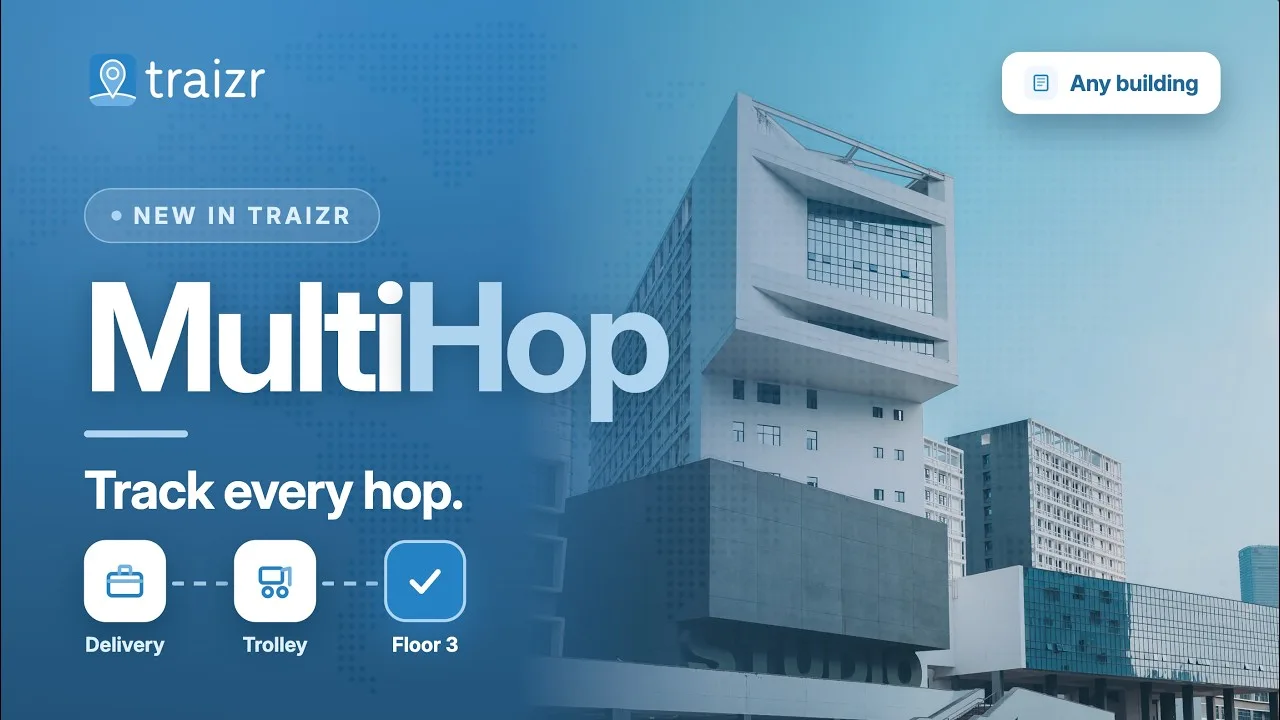
Send an item onward as many times as you require, with one named person accountable for every leg and the whole journey on a single record.
Most organisations can tell you that an item arrived. Far fewer can tell you where it is now, who is holding it and which hop it is on.
- Every leg recorded
- Each hop accountable
- Across sites and borders
How it works
A hop is a step on the parcel's journey
This can be a new floor, mailroom, desk, building, block or country.
The item arrives
Gets scanned in to Traizr and recorded at that point.
Somebody sends it onward
A new item destination is scanned and the parcel logged at that destination within Traizr.
Repeat for as many hops as you need
Two hops or seven, the behaviour is identical, and every hop is added to the same record.
The last hop is the recipient
The final handover closes the item, with proof captured exactly as it would be on a single-hop delivery.
The journey stays readable
Afterwards the whole route sits on one record, in order, with the time each leg took.
A working example
One item, four hops, one record
A contract arriving at a head office for somebody based on another campus. Nothing unusual, and exactly the kind of journey that goes dark in some buildings.
-
Hop one: courier to central intake
The item arrives at the main postroom and is scanned in. The courier's job ends here, and this is where most organisations stop recording anything.
AccountableThe intake team, from the moment of the scan until somebody else accepts it. -
Hop two: intake to the recipient's campus
The recipient is at another campus, so the item is routed onward and leaves on the transport run. The delivery person scans the new destination, then the parcel, and hop two is complete.
AccountableWhoever took it onto the campus and scanned it in at the other end. -
Hop three: postroom to the department
Sorted and walked to the right floor, then scanned at handover. It is a short hop, and the one most likely to be skipped in a manual process because it feels too small to record.
AccountableThe department contact who accepted it, by name. -
Hop four: department to the recipient
The final handover, closed with a QR code, a signature or a photograph. The item is delivered and the journey is complete.
AccountableClosed. The recipient has it, and the proof sits on the same record as every leg. -
Afterwards: the question nobody could answer before
Three weeks later somebody asks why it took four days. The answer is on the record: it sat at the second site for two of them, waiting for the departmental round.
VisibleTime per leg, so the slow handover can be identified rather than hidden inside an end-to-end average.
Every hop above also captures who held the item and what evidence was taken. That half of the record is covered on internal package tracking software and in the mailroom audit trail.
What routing gives you
Included as standard, on the phones and tablets your team already carries.
-
Onward routing
Send an item to the next location as many times as the journey needs, without ever starting a second record.
-
Accountability per leg
One named person is responsible at any moment, and responsibility transfers on the receiving scan rather than on trust.
-
Where it is now
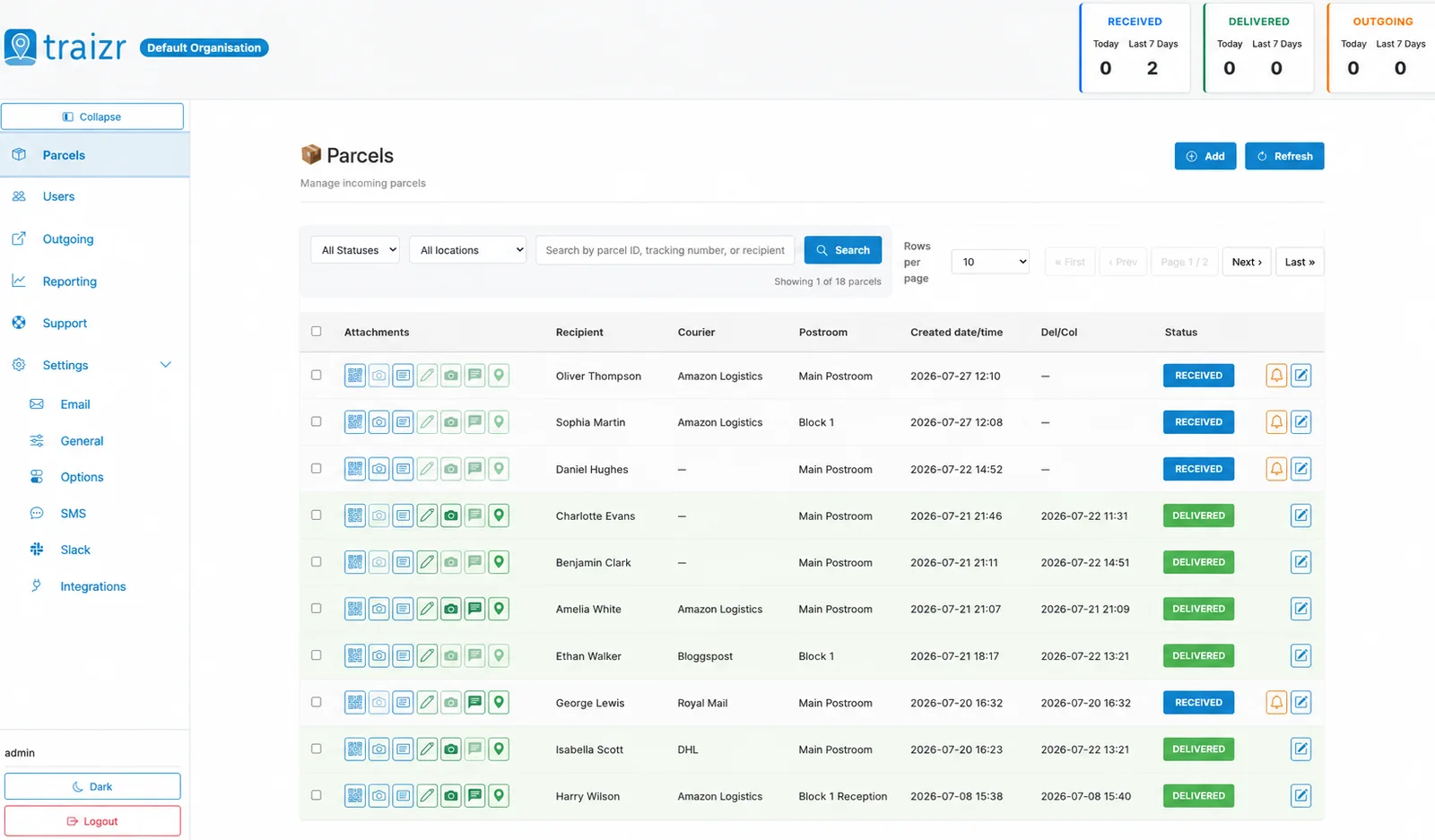
Current location and current holder on the dashboard, so the question is answered from a desk rather than a walk.
-
Across sites and borders
Departments, floors, buildings, campuses and countries. A hop behaves the same way however far it goes.
-
Redirects that keep the history
A recipient who has moved gets the item forwarded, with the original leg still on the record rather than overwritten.
-
Stalled items surfaced
Anything sitting too long on one leg is flagged, so you find it before the recipient does.
-
A hop is one scan
No forms and no data entry. If recording a handover takes longer than doing it, nobody will keep recording it.
-
Works without a connection
Scans in a loading bay or a lift lobby queue on the device and sync when it reconnects, so the chain does not break.
-
The whole journey, searchable
Find the item and read its route in order, by recipient, sender, reference or date.
-
Time per leg
Turnaround broken down by hop, which is the only way to find the handover actually causing a delay.
-
Recipients kept informed
Notifications follow the item, so a long journey does not mean silence. Each leg can update the person waiting at the end of it.
-
One dashboard for every site
The whole estate on one screen, which is what makes a cross-site journey visible as a single thing.
Where items travel furthest
Routing matters in proportion to how far things move. In one small office it barely does. In these, it may be the problem.
-
University campuses
Central intake, then buildings scattered across a site, then departments inside them. Three or four hops is the normal case rather than the exception.
University mailroom software -
Hospitals
Goods in, then pharmacy, then a ward, often with clinical urgency attached and always with a handover that has to be recorded.
Hospital parcel tracking -
Multi-site organisations
Head office intake and an inter-site run, which is the most common place for a record to go quiet for two days.
Multi-site mailroom management -
Corporate headquarters
A central postroom serving many floors and departments, where the last hop is the one nobody bothers to record.
Corporate headquarters mailroom -
Legal firms
Documents moving between offices where a deadline hangs on the date, and the route itself forms part of the evidence.
Law firm mailroom software -
Government estates
Many departments and buildings under one organisation, where correspondence has to be accounted for at every transfer.
Government mailroom software
Single-point logging against multi-hop routing
Both record that an item arrived. Only one of them can tell you what happened next.
| Logged once on arrival | With Traizr |
|---|---|
| The record ends at the front desk | Every leg recorded to the final handover |
| A new entry at each site | One record for the whole journey |
| Current location unknown | Where it is and who has it, on the dashboard |
| Stalled items look like new ones | Anything sitting too long is flagged |
| Redirects overwrite the history | The original leg stays on the record |
| Delays measured end to end | Time per leg, so the slow hop is identifiable |
| Cross-site journeys go dark | The same visibility across sites and countries |
Frequently asked questions
Everything you need to know before getting in touch.
What is multi-hop mail routing?
It is the ability to send an item onward more than once without starting a new record each time. An item arrives at a central postroom, goes to a building, then to a department, then to a person. Each of those is a hop. Multi-hop routing means the item carries its destination and its history with it the whole way, so at any point you can see where it is, where it is going and who is holding it.
How is this different from tracking an item?
Tracking tells you where something has been. Routing decides where it goes next. In practice they are two halves of the same record: the route is the plan and the tracking is what actually happened. If your question is about proof and custody rather than movement, internal package tracking software is the page you want.
Does somebody have to plan the route in advance?
Not usually, and this is where people expect more complexity than there is. In most cases the recipient's location already implies the route, so scanning the item in is enough. Routes are only set explicitly when the destination is not obvious from the recipient, which tends to mean central intake operations and anything crossing between sites. An integration that keeps recipient locations current is what lets the route look after itself.
Who is accountable for an item mid-journey?
Whoever accepted the current leg. That is the point of recording handovers rather than movements. At any moment one named person is responsible, and responsibility transfers the moment they hand it on and it is scanned. It removes the situation where an item sits between two teams and belongs to neither.
Can items move between buildings and sites?
Yes, and between campuses and countries. A hop behaves the same way whether it crosses a corridor or a border. Everything stays on one record instead of being re-entered at each site, which is what usually breaks when an organisation runs a separate system per location.
What happens if the recipient has moved?
The item is redirected to their new location, and the redirect is added to the journey rather than replacing it. That matters afterwards, because "it went to the old office first" is often the explanation for a delay somebody is asking about.
Can we see items that are stuck?
Yes, and this is what most operations want from routing. An item that has been sitting on the same leg for longer than it should shows up as exactly that, so you can find it before the recipient asks where it is.
What if a leg is missed or scanned out of order?
The record shows what was scanned, in the order it happened. A missing hop appears as a gap rather than being smoothed over. That is the honest behaviour even though it is the less flattering one, and a gap is useful information: it tells you which handover point needs attention.
Does this work on a closed network?
Yes. Routing does not depend on an outbound connection, so it behaves the same way on an on-premise deployment. See on-premise mailroom software if that is your situation.
How many hops can an item have?
There is no fixed limit. Most items take two or three. The ones that take seven are the journeys worth having a record of, because those are where things go wrong and nobody can explain why afterwards.
Prefer to watch it? The multihop video follows an item across several sites in under a minute, and our guide to internal parcel tracking systems covers how to run a selection process.
Other things the platform does
Same system, different capability. Routing is one part of what happens to an item after it arrives.
-
Multi-tenant mailroom software
Many tenants on one platform, each seeing only their own mail, with a superadmin that creates and configures all of them.
Read the page -
On-premise mailroom software
Install on your own infrastructure or in a container inside your network, and run the mailroom with no outbound connection at all.
Read the page -
SMS and Slack notifications
Reach people on the channel they actually read. Text messages for those without a work inbox, Slack for the teams already in it.
Read the page -
In-app support from real people
Ask a question from inside the product and get an answer from someone who knows it, not a ticket number and a queue.
Read the page -
Smart parcel label scanning
Scan any barcode on a courier label and Traizr finds the parcel, reads the recipient's name and records the box count and PO number.
Read the page -
Request Open and Scan
Staff who are away from the office ask for an item to be opened and scanned from their arrival email. The scan is emailed to them and not kept by Traizr.
Read the page -
Collection and delivery requests
A branded web form for booking a parcel collection or an internal delivery. No login needed, and every request gets a reference number.
Read the page
Ready to Simplify Your Building?
Describe the longest journey an item takes in your organisation and we will walk it hop by hop, so you can see where the record currently stops. About 20 minutes.