
Video library
See Traizr in action
Lost parcels, paper logbooks and a front desk fielding "has anything arrived for me?" all morning. Here is what replacing that actually looks like, in a minute or less each.
Watch the videos
 1:03
Platform
1:03
Platform
Platform overview
A one-minute tour of the whole Traizr platform, from scanning a delivery in to proving who collected it.
Watch video 1:15
Virtual office
1:15
Virtual office
Virtual office management
Turn any address into a managed mailing service, with scanning, forwarding, shredding and recycling handled online.
Watch video 0:55
Tracking
0:55
Tracking
Multihop tracking
Follow an item through every internal handover, across departments, buildings, campuses and countries.
Watch video 0:35
Support
0:35
Support
In-app help and support
Ask a question from the screen you are stuck on and get an answer from a person who knows the product.
Watch video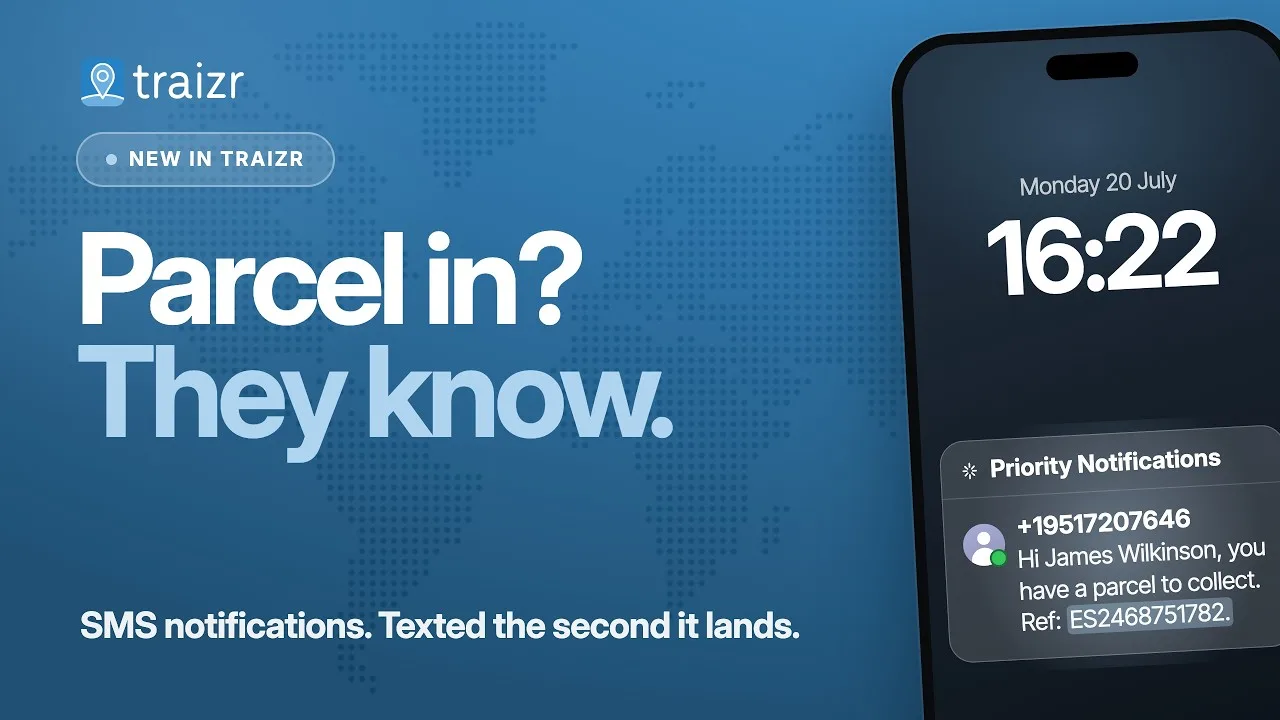 0:29
Notifications
0:29
Notifications
SMS parcel notifications
Text the recipient the moment their parcel is logged, so it reaches people who never open a work inbox.
Watch video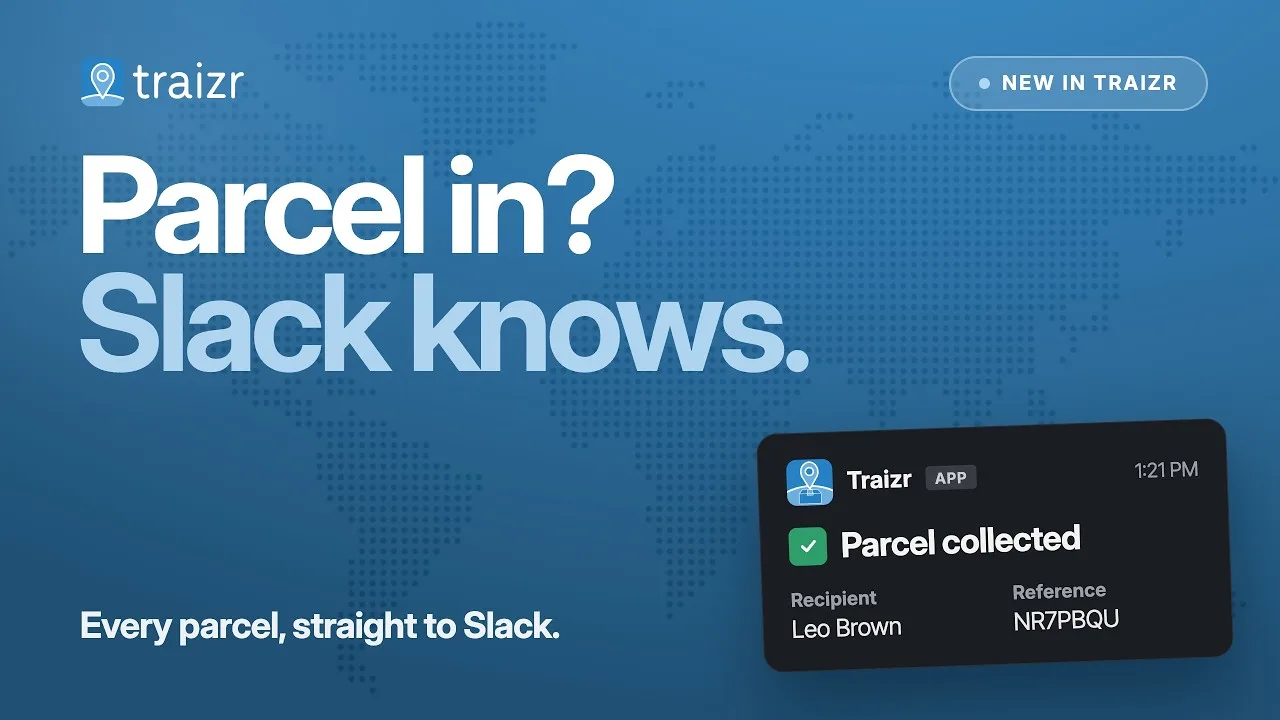 0:21
Notifications
0:21
Notifications
Slack parcel notifications
Send parcel alerts into the Slack channel your team already has open all day, each one carrying the recipient and the reference so nobody has to go looking.
Watch videoFull platform demo in 8 languages
The whole platform in about four minutes, recorded in English and in seven other languages. Choose the one your team works in.
 4:00
Demo
4:00
Demo
Traizr Platform Demo
A four-minute walkthrough of the Traizr mail and parcel management platform, narrated in English.
Watch video
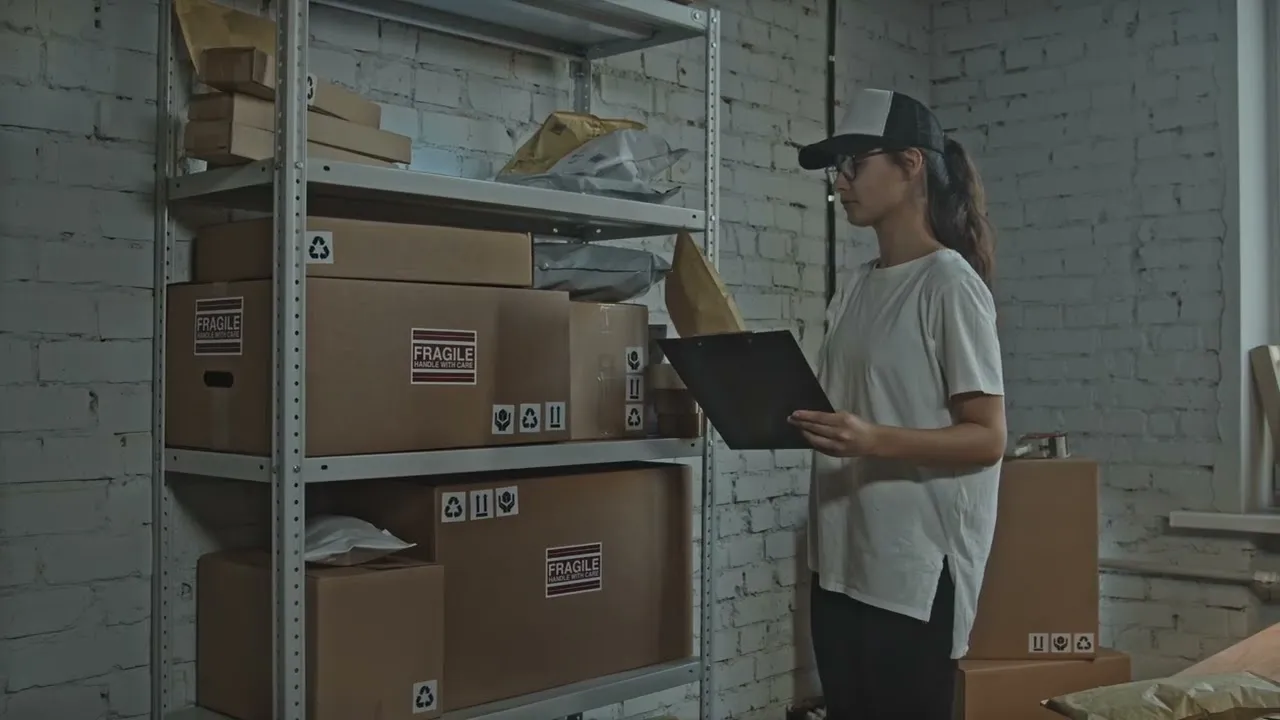
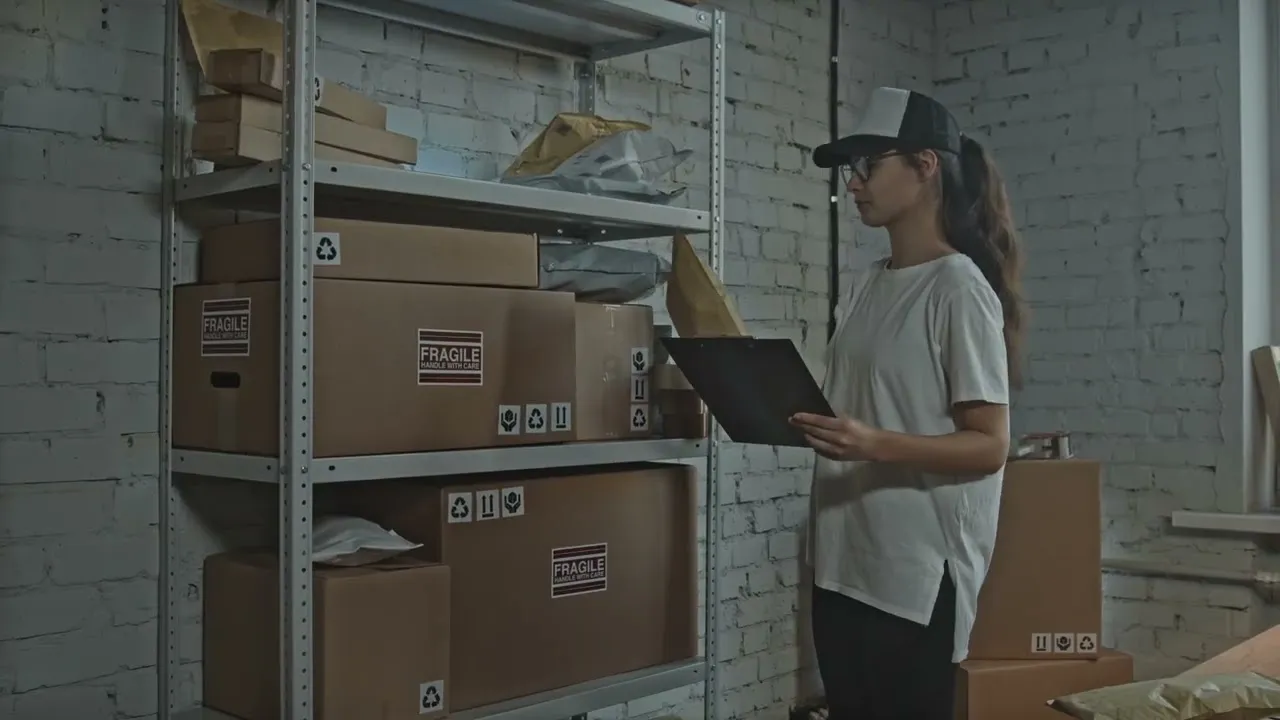
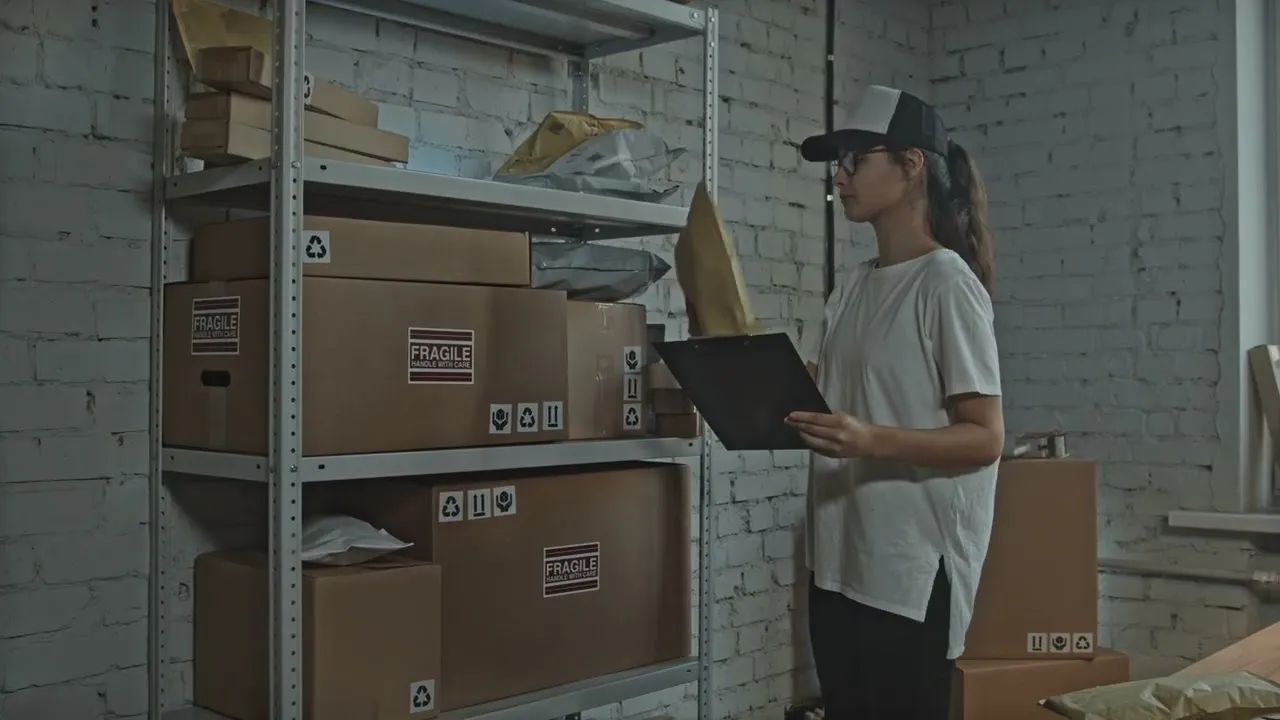
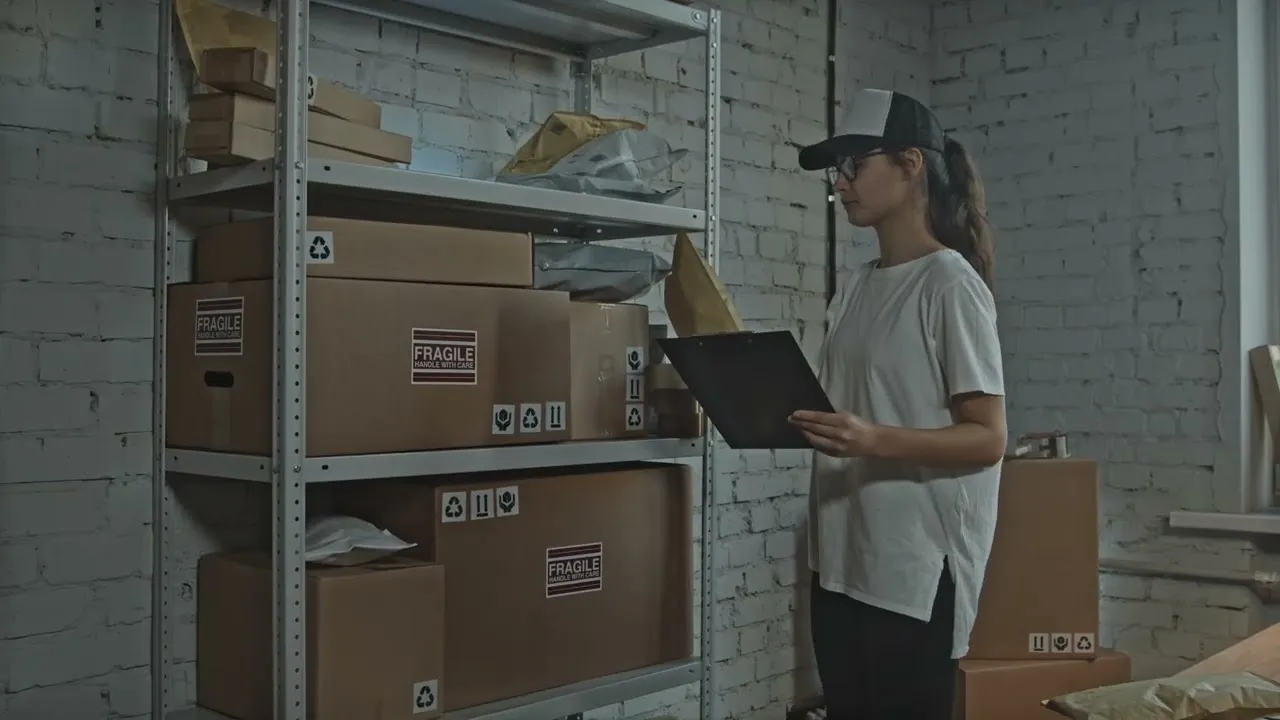
What all of this is actually solving
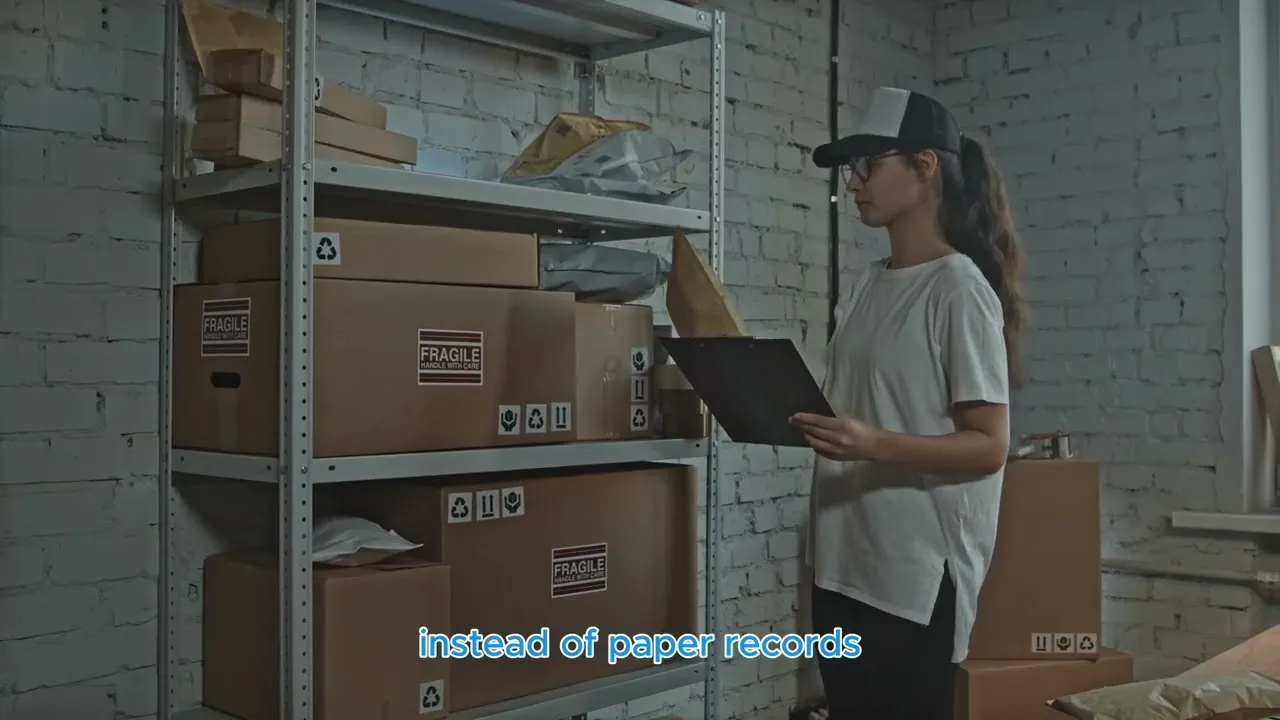
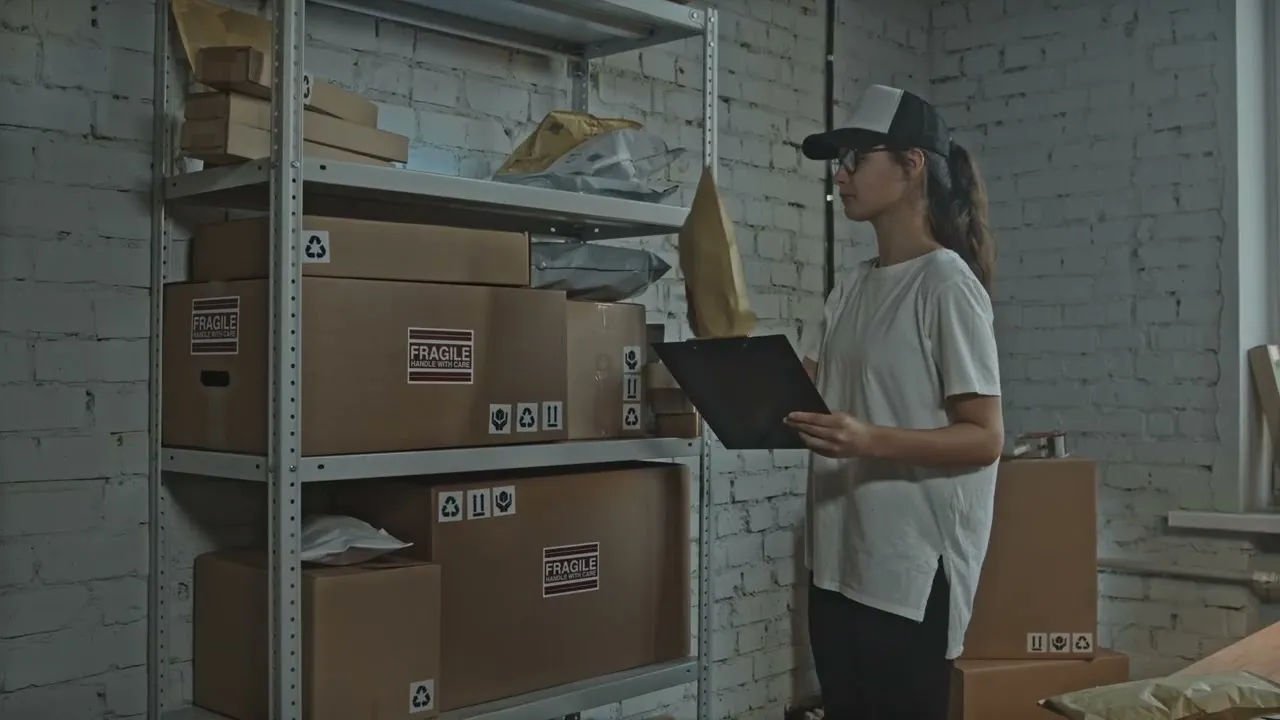
Whatever the building, the same three problems turn up. Every video above is one angle on fixing them.
-
Manual logging
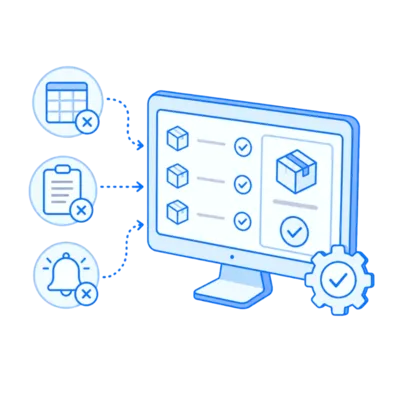
Writing it down by hand
A notebook and a spreadsheet work fine until volume spikes or someone unfamiliar covers the desk. A scan takes a couple of seconds and replaces the writing rather than adding to it.
-
Chasing
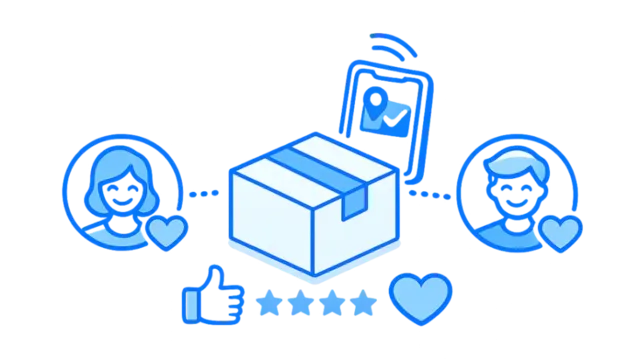
"Has anything arrived for me?"
Recipients are told the moment their item is logged, with a QR code and where to collect it. The interruptions that eat a front desk's morning largely stop.
-
Lost parcels
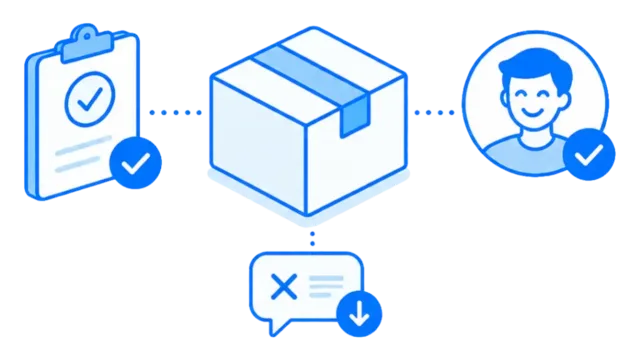
Nobody can prove who took it
Every handover closes with a QR scan, a signature or a photo, stamped with a time and a name. A disputed delivery becomes a lookup instead of an afternoon.
Not sure which one to watch?
If parcels go missing between your front door and the person they were for, start with the platform overview. It covers logging, notifying and proving collection end to end.
If you hold post for companies that are not really based in your building, virtual office is the one that turns that into a service you can charge for. And if items cross a campus or several sites before reaching anyone, multihop is about knowing which building is holding something.
The shorter ones cover what has been added recently. If items sit uncollected because the email never gets read, that is what SMS notifications and Slack notifications are for, depending on whether your recipients carry a phone or sit at a desk all day. And in-app help is worth thirty seconds if you have ever waited on a ticket queue for a two-minute answer.
Prefer reading to watching? The product tour and features pages cover the same ground in a lot more depth.
Want to see it on your own post?
A demo takes about 20 minutes and uses your building, your recipients and your reporting. No slides.