
Parcel collection requests
Collection and Internal Delivery Requests
People in your building book a parcel collection or an internal delivery from a simple web form. No Traizr login is needed, and every request gets a reference number.
The form carries your organisation's branding, and each request goes straight to the mailroom by email.
- Simple web form
- No login needed
- Reference number for every request
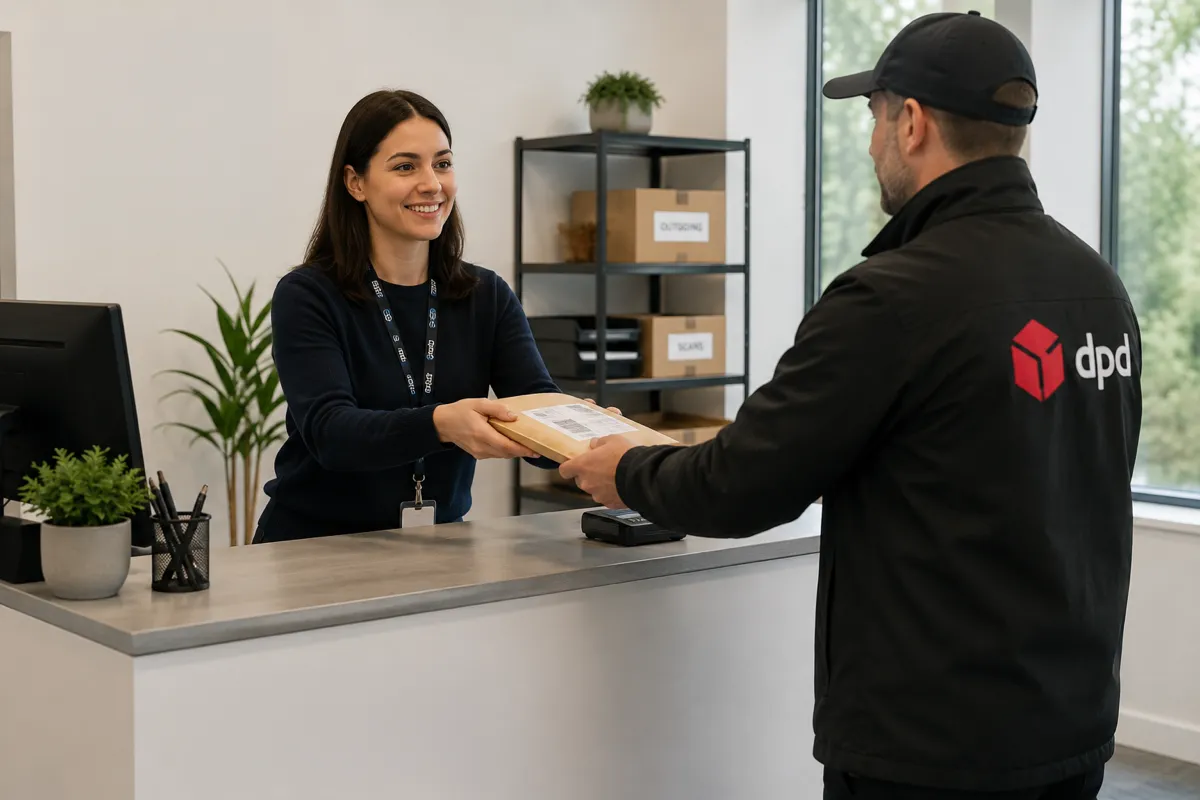
What the request form does
In most buildings, collections and internal deliveries are arranged by phone, by a message to whoever is on the desk or by an email to a shared inbox. Requests get missed, and nobody can say later who asked for what.
The Traizr request form gives those requests one channel. Anyone in the building can request a parcel collection or an internal delivery from a web form, without needing a Traizr account.
The mailroom receives the request by email, at the address set in Settings, and the requester gets a reference number.
Couriers at the door are a separate subject. This form is for requests from people inside your building. For couriers arriving with deliveries, see courier management and delivery management.
How it works
From request to a tracked parcel
The form handles the request. Traizr records the parcel once staff have it.
Someone fills in the form
They choose a collection or an internal delivery and add the details. The form carries your organisation's branding.
The mailroom is emailed
The request arrives at the mailroom address set in Settings in the admin dashboard.
The requester gets a reference
A reference number confirms the request, so the requester can quote it if they follow up.
Staff log the parcel as normal
When the mailroom takes the parcel, it is logged in Traizr in the usual way and has the full audit trail from that point.
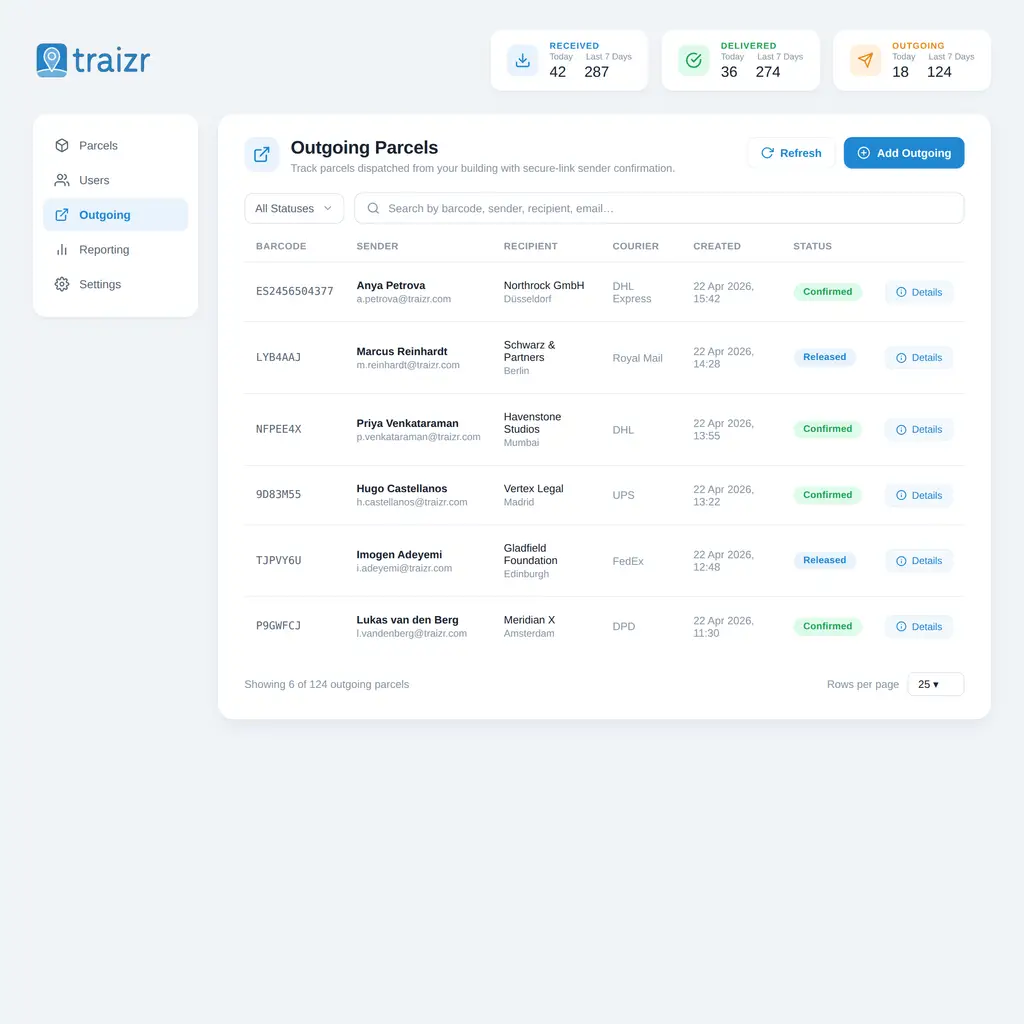
The form does not create parcel records on its own. A parcel enters Traizr when staff log it, so the record is always tied to the physical item.
Built for facilities teams
Fewer requests lost in phone calls and inboxes, without giving everyone an account.
One channel instead of calls and loose emails
Every collection and internal delivery request comes in the same way, with the same details, to the same mailroom inbox.
Staff no longer have to piece a request together from a phone message and two emails.
No accounts to manage
People do not need a Traizr login to use the form, so you do not have to give everyone in the building an account to accept their requests.
A reference for every request
The requester gets a reference number, so a follow-up question points to one request rather than "the parcel I mentioned on Tuesday".
The parcel still gets the full audit trail
Once staff log the parcel, it is tracked like any other item: scans, handovers, proof of delivery and reports. Internal package tracking explains how that record works.
Safe to share across the building
Built so the form can go on an intranet page or a notice board without inviting misuse.
-
Spam protection
The form is protected against automated spam submissions.
-
Office network only, if you choose
The form can be limited so it only works from your office network.
-
Switched on per organisation
Each organisation decides whether to offer the form.
-
Branded for your organisation
Requesters see your organisation's branding, not a generic page.
-
Emailed to the mailroom
Requests go to the address set in Settings in the admin dashboard.
-
A reference number
Every request gets a reference the requester can quote.
Where it helps
Buildings where many people need things collected or moved, and the mailroom cannot take every request by phone.
-
Corporate headquarters
Teams on many floors request collections and internal deliveries without calling the post room.
Corporate headquarters mailroom -
Universities
Departments request internal deliveries between buildings without needing mailroom accounts.
University mailroom software -
Hospitals
Wards and departments book internal deliveries through one recorded channel.
Hospital parcel tracking -
Multi-site organisations
Requests from every site reach the mailroom in the same format.
Multi-site mailroom -
Government buildings
Requests come through one channel with a reference, instead of phone calls nobody recorded.
Government mailroom software -
Reception teams
The front desk stops taking collection requests by phone and sticky note.
Reception management
Frequently asked questions
Everything you need to know before getting in touch.
What is the collection and delivery request form?
It is a branded web form where anyone in your building can request a parcel collection or an internal delivery. The request is emailed to the mailroom and the requester gets a reference number.
Do people need a Traizr account to use it?
No. The form works without a login, so you do not need to give everyone in the building an account.
Where do requests go?
To the mailroom by email. The address is set in Settings in the Traizr admin dashboard.
Does a request create a parcel in Traizr?
No. Staff log the parcel in Traizr as normal when they take it, and it has the full audit trail from that point.
Can we stop the form being used from outside the building?
Yes. The form can be limited to your office network, and it includes spam protection.
Is the form available to every customer?
It is switched on per organisation, so you decide whether to offer it.
Other things the platform does
Same system, different capability.
-
Multi-tenant mailroom software
Many tenants on one platform, each seeing only their own mail, with a superadmin that creates and configures all of them.
Read the page -
On-premise mailroom software
Install on your own infrastructure or in a container inside your network, and run the mailroom with no outbound connection at all.
Read the page -
SMS and Slack notifications
Reach people on the channel they actually read. Text messages for those without a work inbox, Slack for the teams already in it.
Read the page -
Multi-hop mail routing
Send an item onward through postrooms, buildings, campuses and countries, with one person accountable for each leg.
Read the page -
In-app support from real people
Ask a question from inside the product and get an answer from someone who knows it, not a ticket number and a queue.
Read the page -
Smart parcel label scanning
Scan any barcode on a courier label and Traizr finds the parcel, reads the recipient's name and records the box count and PO number.
Read the page -
Request Open and Scan
Staff who are away from the office ask for an item to be opened and scanned from their arrival email. The scan is emailed to them and not kept by Traizr.
Read the page
Ready to Simplify Your Building?
We will show you the form, the email the mailroom receives and how the parcel is logged afterwards. About 20 minutes.