
Notifications
Traizr Now Has Full Slack Integration
 0:21
0:21
Plenty of teams stopped living in their inbox years ago. The working day happens in Slack, email is something they clear on a Friday, and a parcel notification sent by email becomes one more unread line under ninety others. The item was logged the moment it arrived, and the person it belongs to still finds out when they walk past the postroom.
That is an awkward failure because everything upstream worked. The delivery was scanned, matched to the right person and recorded properly. The only thing that went wrong is that the message was delivered to a channel the recipient had already stopped watching, which is not something a better audit trail can fix.
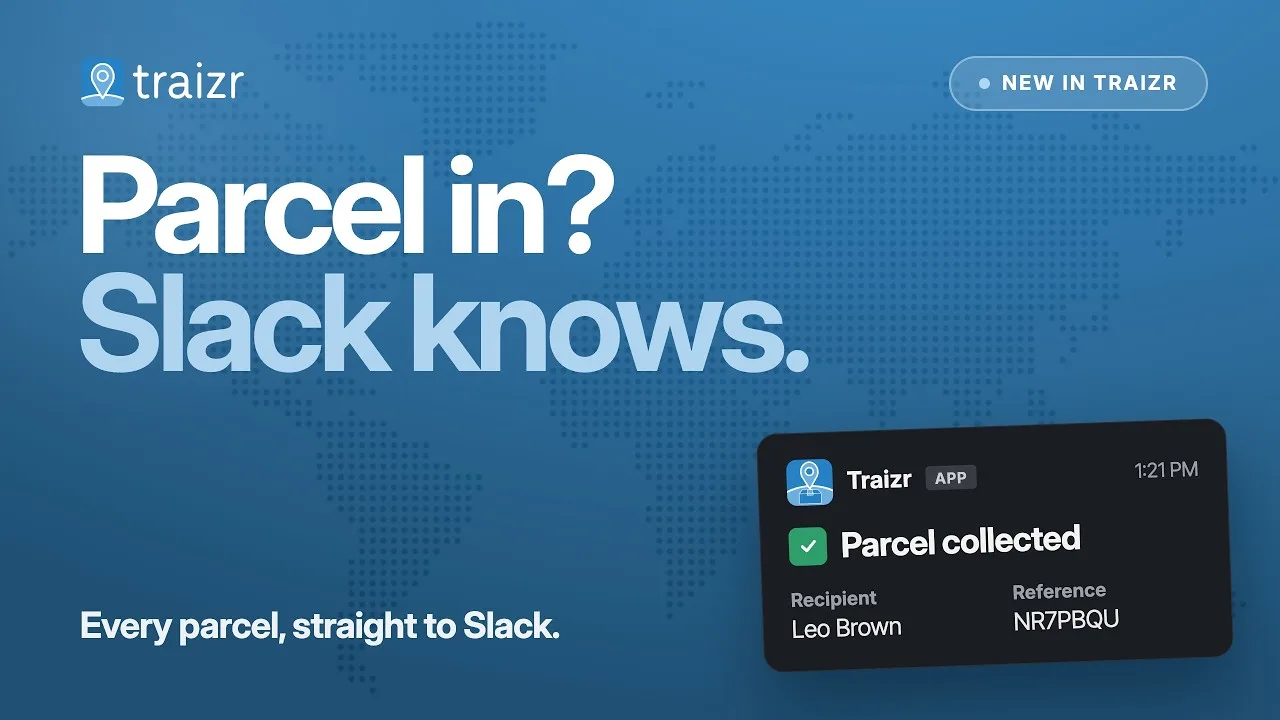
Traizr posts the same activity into Slack instead. Arrivals and collections appear in the channel the team already has open, each carrying the recipient and the reference. It runs alongside email and SMS rather than replacing them, so a building can notify desk-based teams one way and everyone else another. It sits with the rest of the Traizr integrations, and it applies most obviously in a headquarters mailroom where the recipients are all internal teams.
What it fixes
What changes when the alert lands in the tool the team is already looking at.
-
Unread email
It lands where the team already is
No new tool to learn and nothing for the recipient to install. The alert appears in a channel that is already open on their second monitor, which is the whole reason it gets read.
-
Shared visibility
The team sees it, not just one person
Post it to a team channel and whoever is actually in the building that day can pick the item up. Deliveries stop waiting on one named person being at their desk.
-
Collections
Collections post back too
The channel shows the collection as well as the arrival, so the question of whether something was picked up is answered in the same place it was announced, without anyone opening the dashboard.
More Traizr videos
 1:03
Platform
1:03
Platform
Platform overview
A one-minute tour of the whole Traizr platform, from scanning a delivery in to proving who collected it.
Watch video 1:15
Virtual office
1:15
Virtual office
Virtual office management
Turn any address into a managed mailing service, with scanning, forwarding, shredding and recycling handled online.
Watch video 0:55
Tracking
0:55
Tracking
Multihop tracking
Follow an item through every internal handover, across departments, buildings, campuses and countries.
Watch videoWant to see it on your own post?
A demo takes about 20 minutes and uses your building, your recipients and your reporting. No slides.